Ford Connected Services
Unlock the Capabilities of Your Ford Connected Vehicle
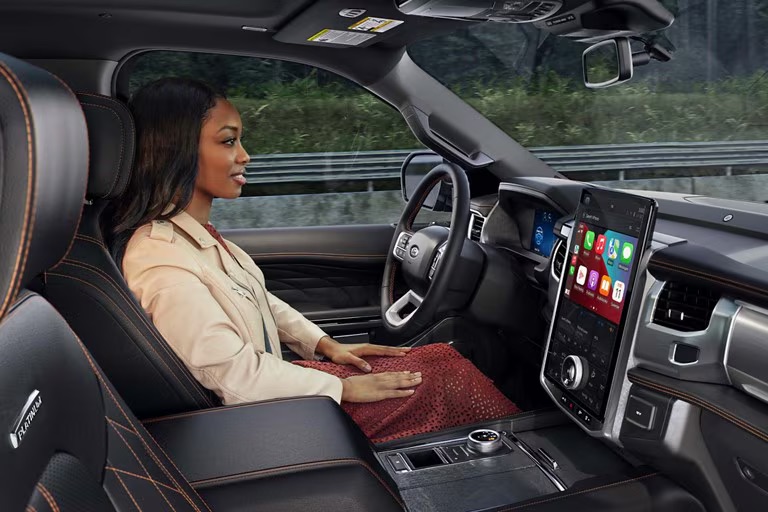
What's it like to own a Ford designed with you in mind? It's features that allow you to drive hands-free on your daily commute. And finding your way with smart maps that stay active even without cell service. Connected Services are intelligent features that make your drive come alive. Many are complimentary, like remote vehicle commands and access to the BlueOval™ Charge Network. That's the convenience of owning a Ford.Effortless Convenience on the Road
BlueCruise*
When you need a break, available BlueCruise has the wheel. Discover adaptive hands-free driving on highways across Canada and the U.S.
Connected Navigation
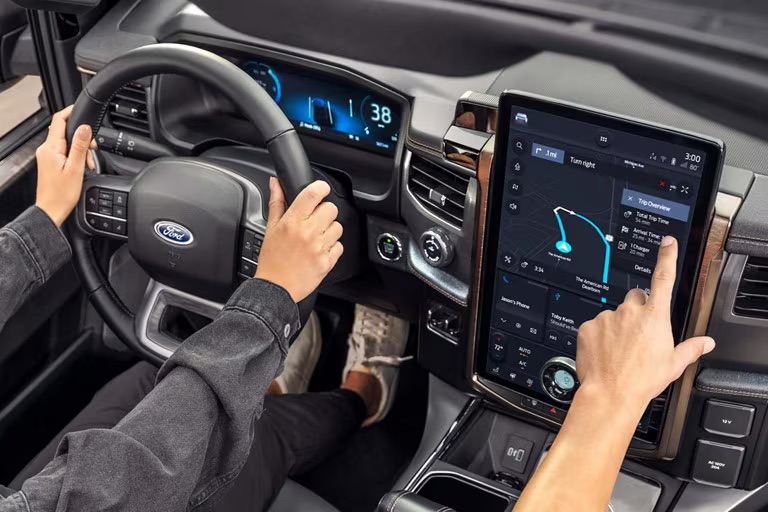
Plan your journey in real time with maps that remain available to you even when cell phone coverage isn't — that's the convenience of life with Connected Navigation.
BlueOval Charge Network
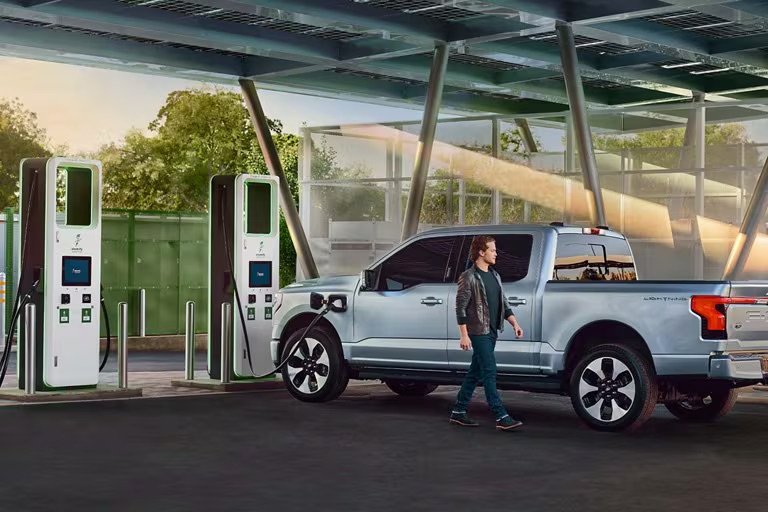
Need to find a charging station when you're already on the road? Or looking to plan ahead? Find peace of mind for all your EV journeys with a vast public EV charging network that has you covered either way.
Easy Access to Your Favorite Entertainment
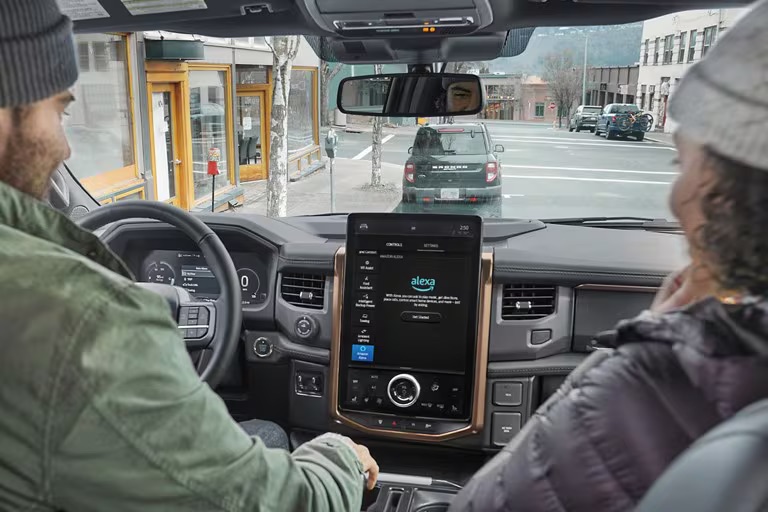
Alexa Built-In
Ever wish you could bring Alexa along for every drive? Use voice commands in your vehicle just as you do at home with available Alexa Built-In.

Ford Premium Connectivity
Stream your favorite movies, TV shows, news, music, podcasts, audiobooks, and more in-vehicle with a monthly subscription to Ford Premium Connectivity.
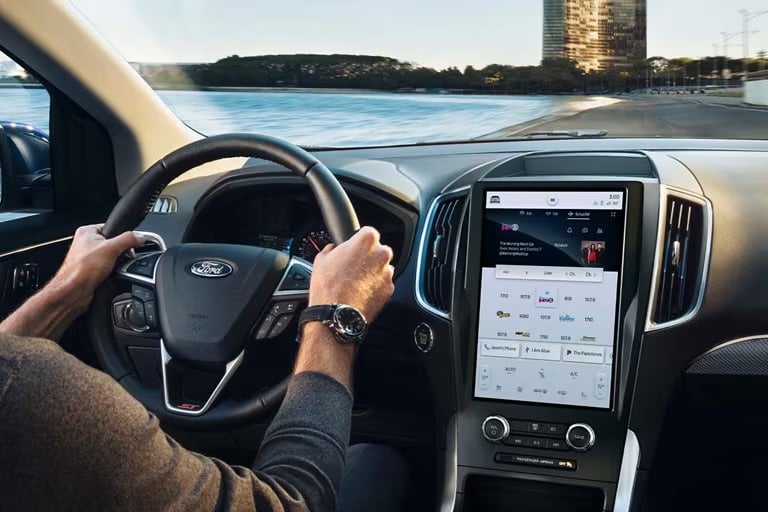
SiriusXM 360L
Enjoy hundreds of channels of ad-free music, sports, talk-radio and more with available SiriusXM 360L.
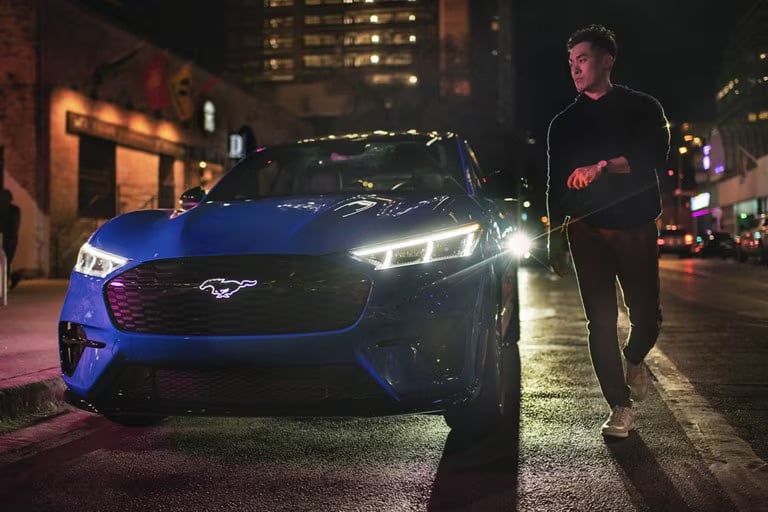
Ford BlueCruise*
See the Blue Zone
Not all features may be available. Contact your dealer for more information.
Take the stress out of driving ― not the fun.
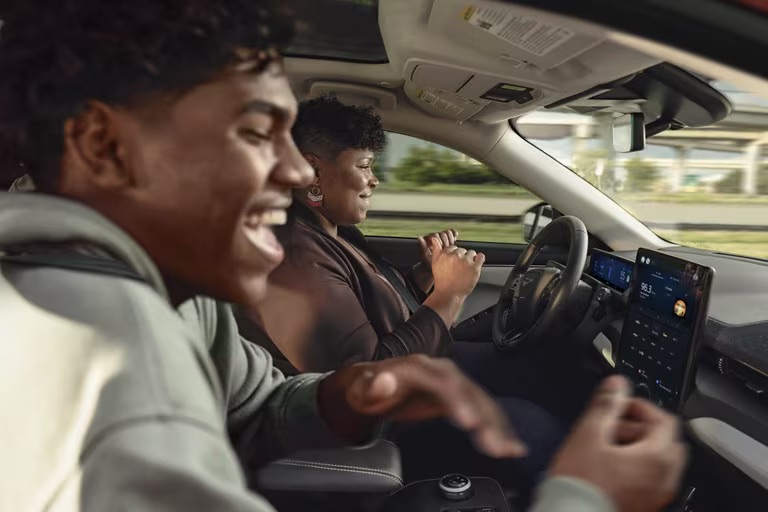
Ford BlueCruise enables hands-free, eyes-on highway driving that helps make driving easier and more enjoyable. Turn stressful situations ― like your daily commute or long road trips ― into opportunities to refuel, physically and mentally, and arrive at your destination more energized.
Let BlueCruise accelerate, brake, and steer the vehicle in the lane, all with the touch of a button.
Connect with your passengers
Engage in lively conversation during your drive ― air quotes and all.
BlueCruise was designed with you in mind, built on established driver-assistance technologies found on many vehicles on the road today ― like Adaptive Cruise Control.
BlueCruise includes a driver-attention system, bringing you the ultimate peace of mind as you let go of the wheel.
Top-Rated Technology
BlueCruise remains Consumer Reports' top-ranked active driving assistance system for the second time in a row out of 17 systems tested, including Tesla's Autopilot and GM's Supercruise, among others*.
*Consumer Reports does not endorse products or services. Based on vehicle tests in the US.
Step 1
Welcome to The Blue Zone
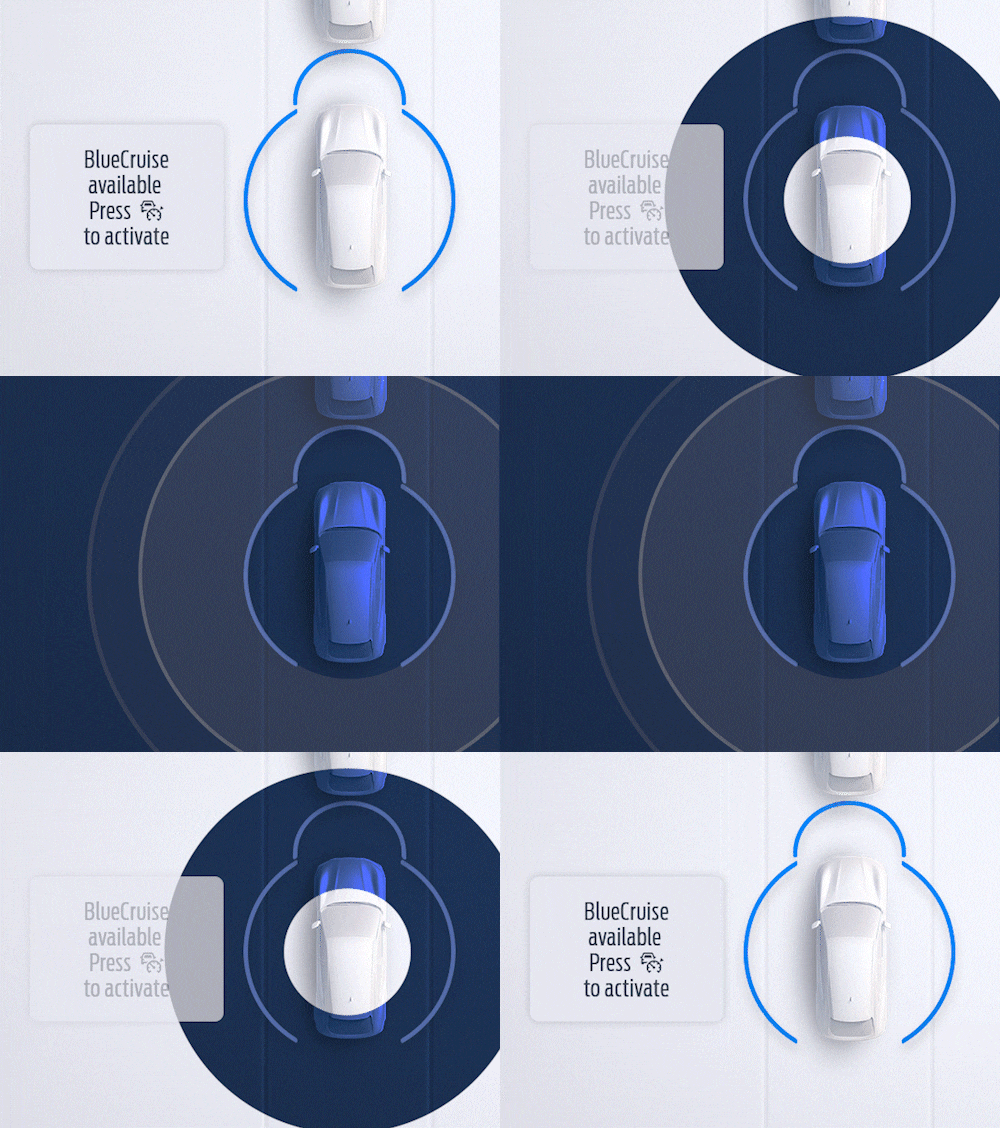
When you enter a pre-qualified section of a divided highway ― a Blue Zone ― you'll see a prompt on the instrument cluster letting you know BlueCruise is available and ready to assist.
Step 2
Let BlueCruise Assist
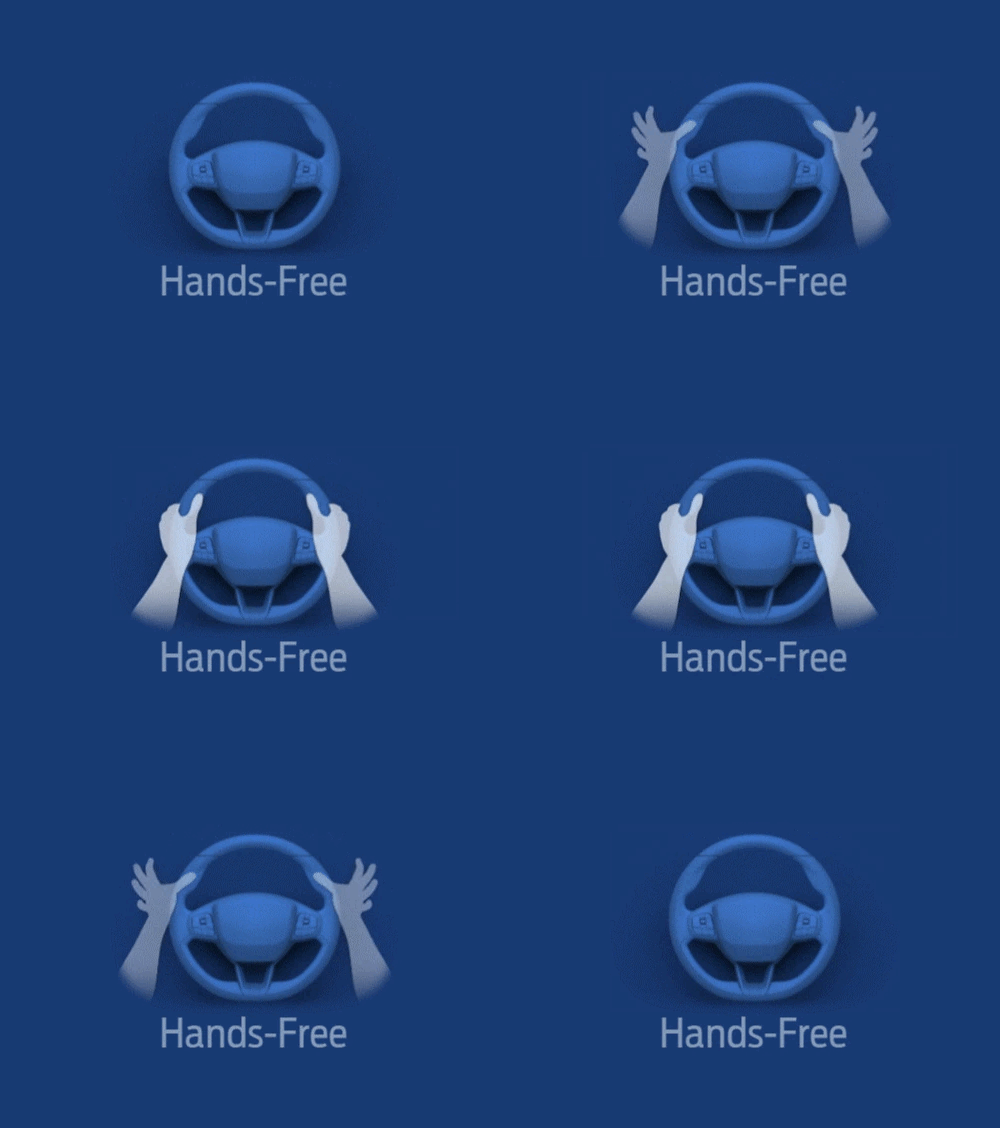
Simply tap the Adaptive Cruise Control button on your steering wheel and let BlueCruise assist, while keeping your eyes on the road. The system helps handle steering, keeps you centered in your lane, and adjusts your speed as needed ― all without you ever touching the wheel.Designed with driver collaboration in mind, you can always take over and steer manually within the lane without BlueCruise disengaging.
Step 3
Feel the Magic of Letting Go
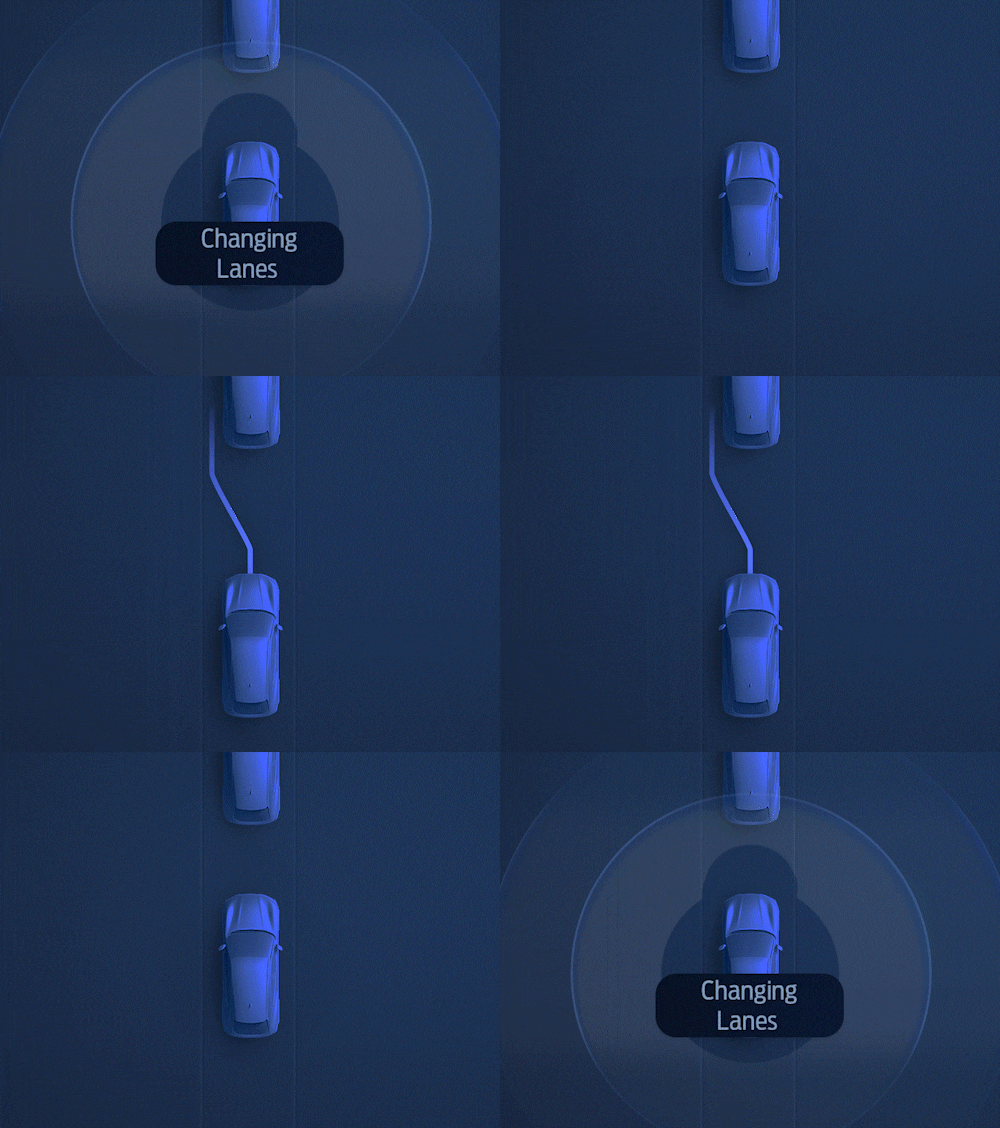
With BlueCruise engaged, you can switch lanes hands-free on the highway using Lane Change Assist and enjoy extra room with In-Lane Repositioning*, where your vehicle subtly shifts away from vehicles in adjacent lanes.So you can relax a bit, take in the scenery ahead of you, or catch up on that podcast ― let your vehicle handle the nitty-gritty of staying on course and maintaining a set distance from other vehicles.
*Available with version 1.2 or higher.
Ford SYNC & Technology
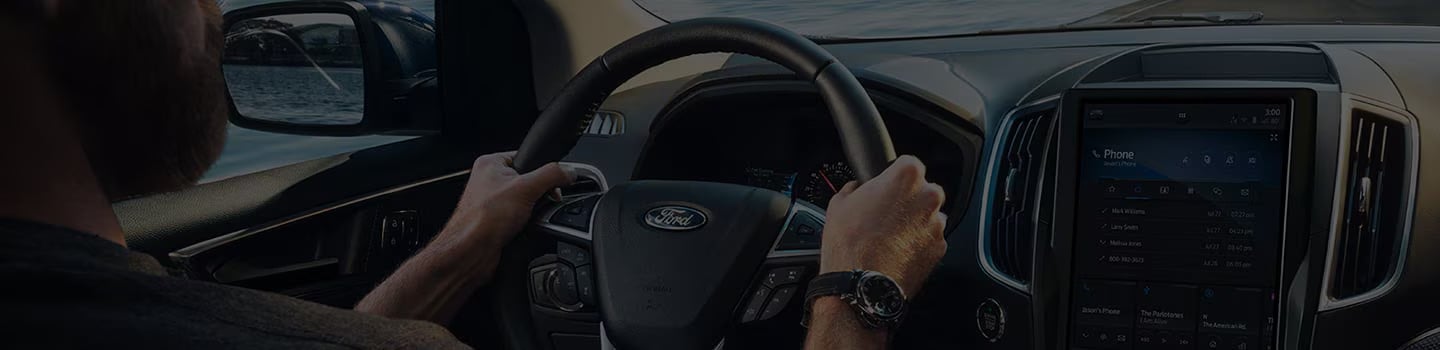
No matter what SYNC® version you have, it’s capable of delivering the hands-on experiences and hands-free benefits that have made it a well-known name in onboard technology.
Apple CarPlay® & Android Auto™ Compatibility
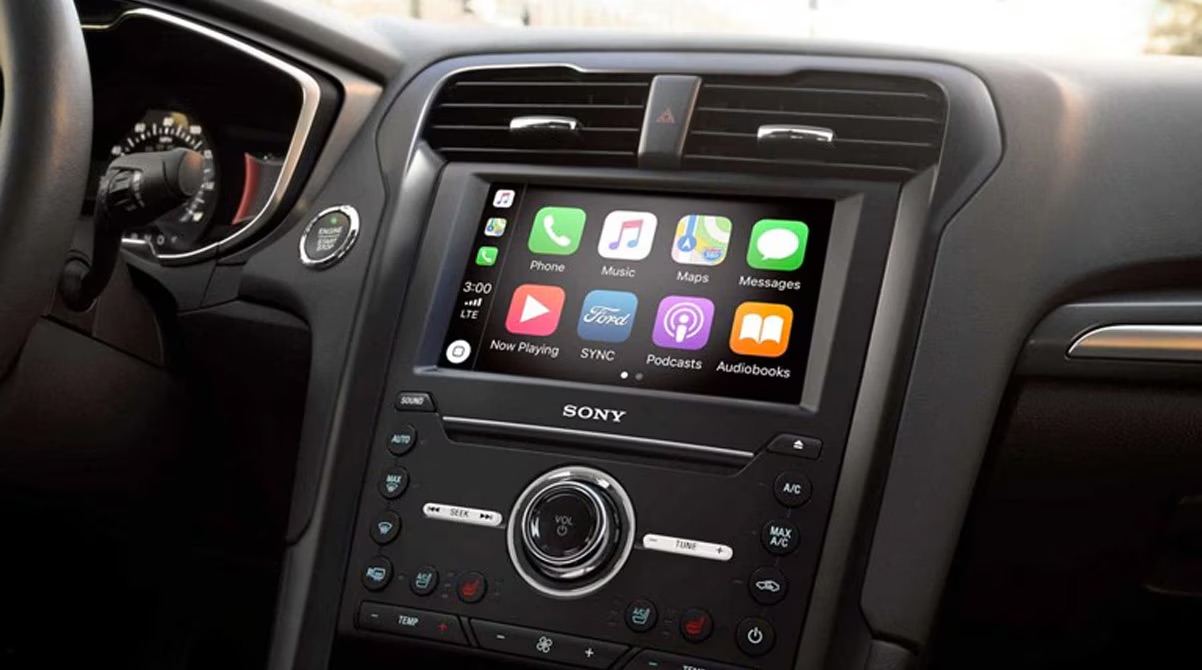
Whether you are Team iPhone or Team Android, Apple CarPlay or Android Auto will easily load on your Ford’s screen so you can get the smartphone experience you’ve come to know and love in your vehicle. Plus, you can activate features with voice commands. (U.S. model shown)
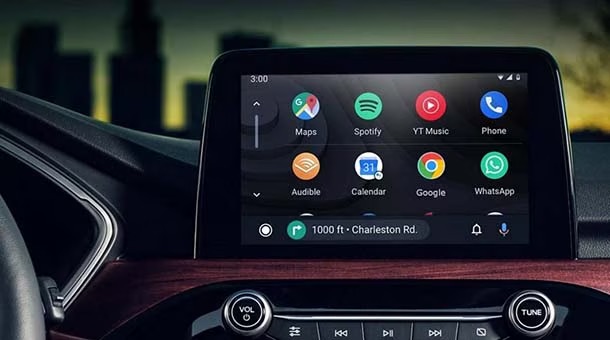
Google Assistant™
Your Google Assistant is now integrated into Android Auto. To get hands-free help while you drive, simply say “Hey, Google” then go ahead and ask to hear your favorite songs, get directions to the nearest gas station, and much more. (U.S. model shown)
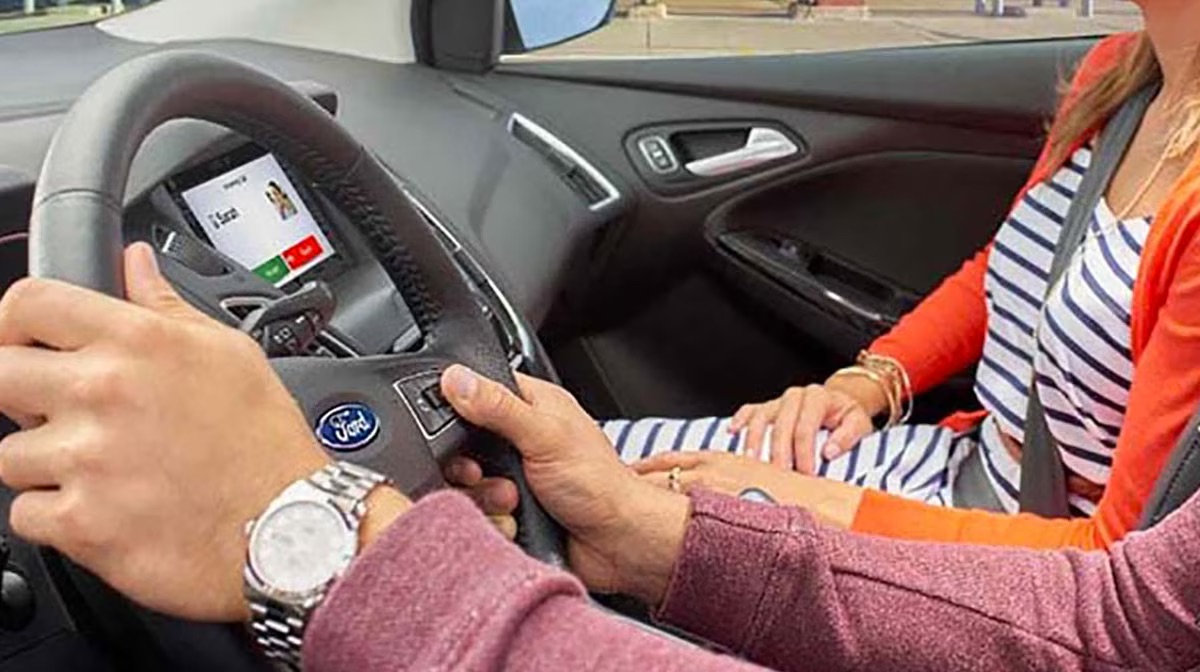
Hands-Free Calling
Enjoy uninterrupted connection, ringtone support, audible text messages and pre-set replies, and customizable text message responses via on-screen keyboard. (U.S. model shown)
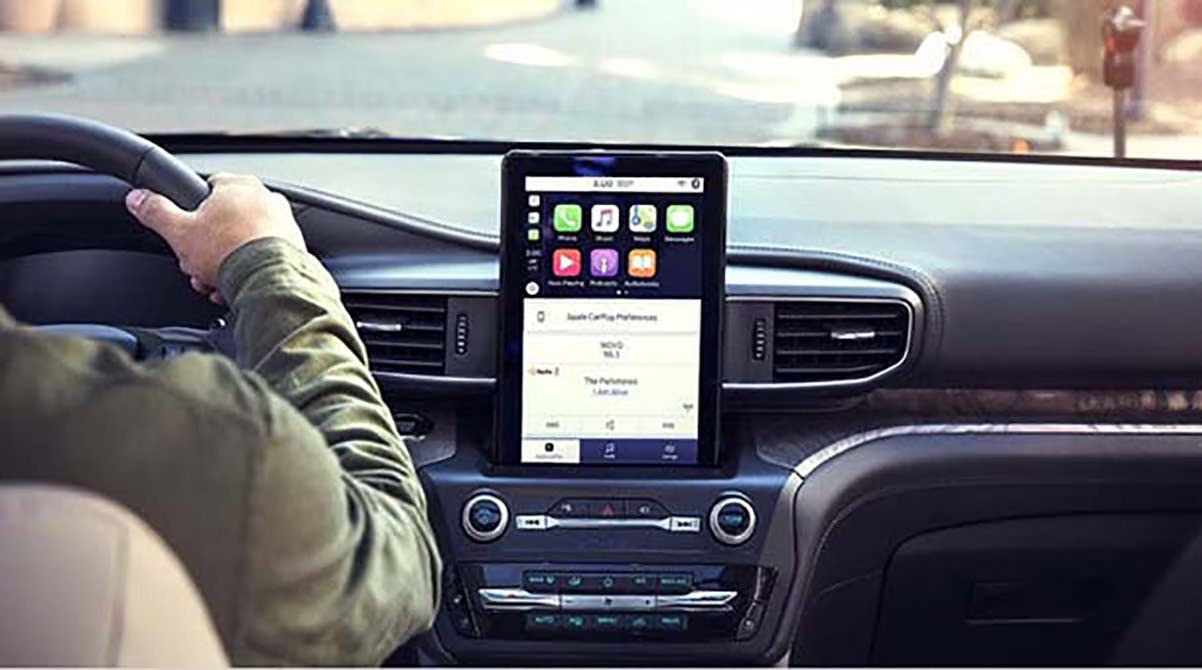
Entertainment
Access voice-activated music search, FM/AM/SiriusXM 360L tuning, Bluetooth-streaming for music, podcasts, and audiobooks, and SiriusXM 360L Satellite Radio. (U.S. model shown)
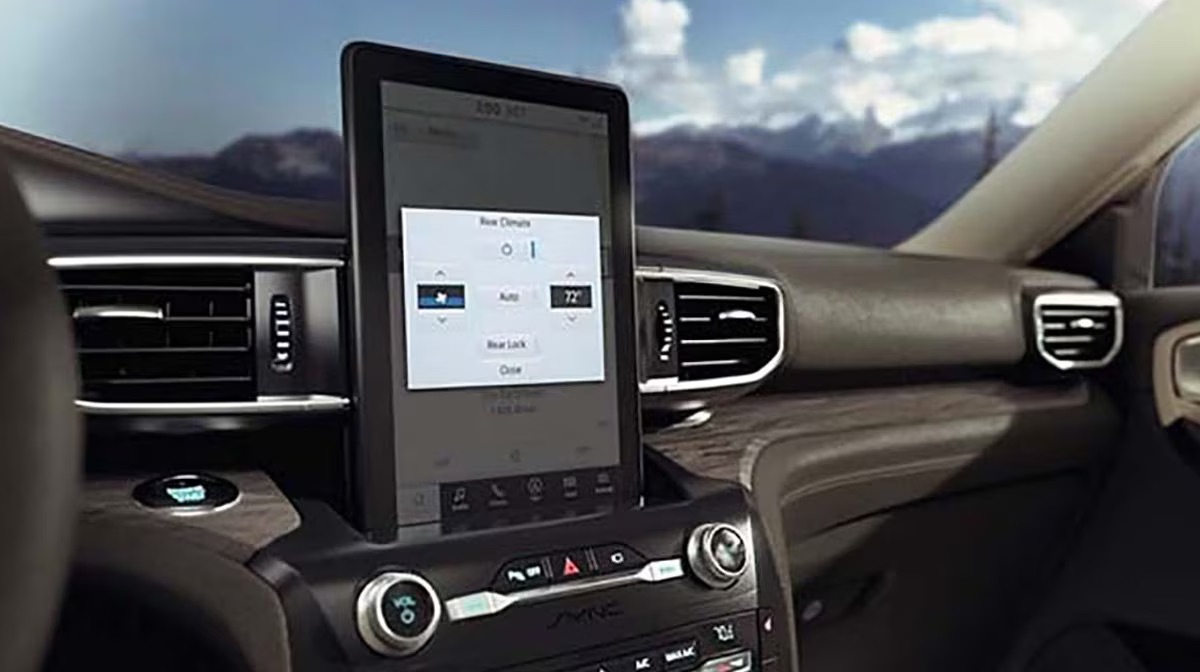
Climate Control
Press the climate icon to reveal all the different ways to adjust temperature, airflow, defrost and fan speed. (U.S. model shown)
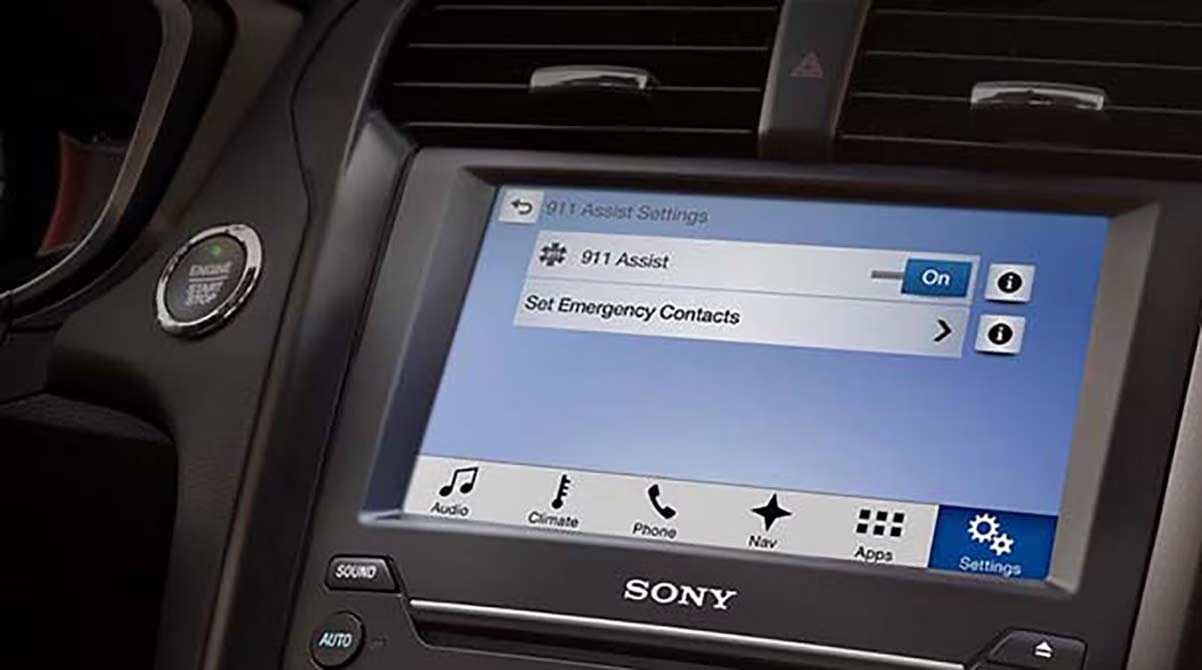
Complimentary 911 Assist®
911 Assist can call for help in the event of an emergency, even if you can’t. (U.S. model shown)
Ford Disclaimers:
a Some mobile phones and some digital media players may not be fully compatible. Don't drive while distracted. Use voice-operated systems when possible; don't use handheld devices while driving. SYNC with MyFord Touch voice recognition and screens available in English, French and Spanish. Some features may be locked out while the vehicle is in gear.
b Available feature. Don't drive while distracted. Use voice-operated systems when possible; don't use handheld devices while driving. Apple CarPlay is available on select models with SYNC 3 or SYNC®4; owners of 2016 models with SYNC 3 are required to perform a software upgrade and purchase a hardware upgrade. Requires phone with compatible version of Apple iOS and active data service. SYNC does not control CarPlay while in use. Apple is solely responsible for their functionality. Message and data rates may apply. iPad®, iPod®, iTunes®, iPhone®, Siri® and Apple CarPlay™ are trademarks of Apple Inc., registered in the U.S. and other countries and regions.
c Available feature. Don't drive while distracted. Use voice-operated systems when possible; don't use handheld devices while driving. Android Auto is available on select models with SYNC 3 or SYNC®4; owners of 2016 models with SYNC 3 are required to perform a software upgrade. Requires phone with compatible version of Android Auto and active data service. SYNC does not control Android Auto while in use. Google is solely responsible for their functionality. Message and data rates may apply. Android, Android Auto, Google and Google Play are trademarks of Google LLC.
d You must have a Bluetooth®-enabled phone paired to your SYNC system. The Bluetooth word mark is a trademark of the Bluetooth SIG, Inc. HD Radio is a proprietary trademark of iBiquity Digital Corp. iPad®, iPod®, iTunes®, iPhone®, and Siri® are trademarks of Apple Inc., registered in the U.S. and other countries. The term Wi-Fi® is a registered trademark of the Wi-Fi Alliance®. Sony is a registered trademark of the Sony Corporation. ©2022 Ford Motor Company of Canada, Limited. All rights reserved.
e Do not drive while distracted.
f Optional feature; availability varies by model. Features/functionality vary by vehicle/model. Don't drive while distracted. Use voice-operated systems when possible; don't use handheld devices while driving. Some features may be locked out while the vehicle is in gear. Not all features are compatible with all phones. Message and data rates may apply. Optional Navigation system map updates cannot be received via wi-fi and require a separate update.
g The vehicle's electrical system (including the Battery), the wireless service provider's signal and a connected mobile phone all must be available and operating for 911 Assist to function properly. These systems may become damaged in a crash. The paired mobile phone must be connected to SYNC and the 911 Assist feature enabled in order for 911 to be dialed. Mobile phone charges may apply.
h SiriusXM Satellite Radio subscriptions can be purchased after prepaid period expires. Subscriptions are governed by SiriusXM Customer Agreement; see sirius.ca. © 2022 Sirius Canada Inc. "SiriusXM", the SiriusXM logo, channel names and logos are trademarks of SiriusXM Radio Inc. and are used under license.
i The Bluetooth word mark is a trademark of the Bluetooth SIG, Inc. All rights reserved.